A voice assistant in a classroom of young children is not like one in a kitchen. Children under 13 have special legal protections in the United States, schools have their own data rules, and parents reasonably want to know what is being recorded. This checklist is general information, not legal advice; your district's policies come first.
The rules in brief
Key US laws and events
- COPPA
- The Children's Online Privacy Protection Act requires online services directed at children under 13 to get verifiable parental consent before collecting their personal information, including voice recordings. The Federal Trade Commission enforces it and updated the rule in 2025.
- FERPA
- The Family Educational Rights and Privacy Act protects student education records held by schools.
- State laws
- Many states have their own student data privacy laws and approved-vendor lists.
- 2023 enforcement
- Amazon agreed to a $25 million civil penalty in a case brought by the FTC and the Justice Department, which alleged that Alexa kept children's voice recordings longer than allowed. Amazon disputed the claims.
- 2025 change
- In March 2025 Amazon ended a little-used setting on a few Echo models that let some requests be processed on the device. Voice requests on those devices now go to the cloud for processing, with an option not to save recordings.
The details of each company's settings change often, so treat any menu names as examples and check the current privacy pages of the device you use.
Before you plug it in
- Ask first. Check whether your district allows smart speakers and which ones. Many require approval of any app or device that might capture student data.
- Use a school account. Set the device up on a school-approved account with a generic name and email, never your personal account with your shopping history and contacts.
- Tell parents. Send a short letter explaining what the device is used for, how it is controlled and how recordings are handled. Offer to answer questions.
Settings to check
- Turn off voice purchasing or protect it with a code.
- Turn off voice profiles or voice recognition features, so the device does not try to learn individual voices.
- Set recordings to delete automatically, or choose not to save them, where the device offers that option.
- Opt out of using recordings to improve the service, if that choice is available.
- Enable explicit-content filters for music and other services.
- Turn on request sounds so everyone hears when the device starts and stops listening.
- Disable unneeded features such as calling, messaging and drop-in.
Daily habits
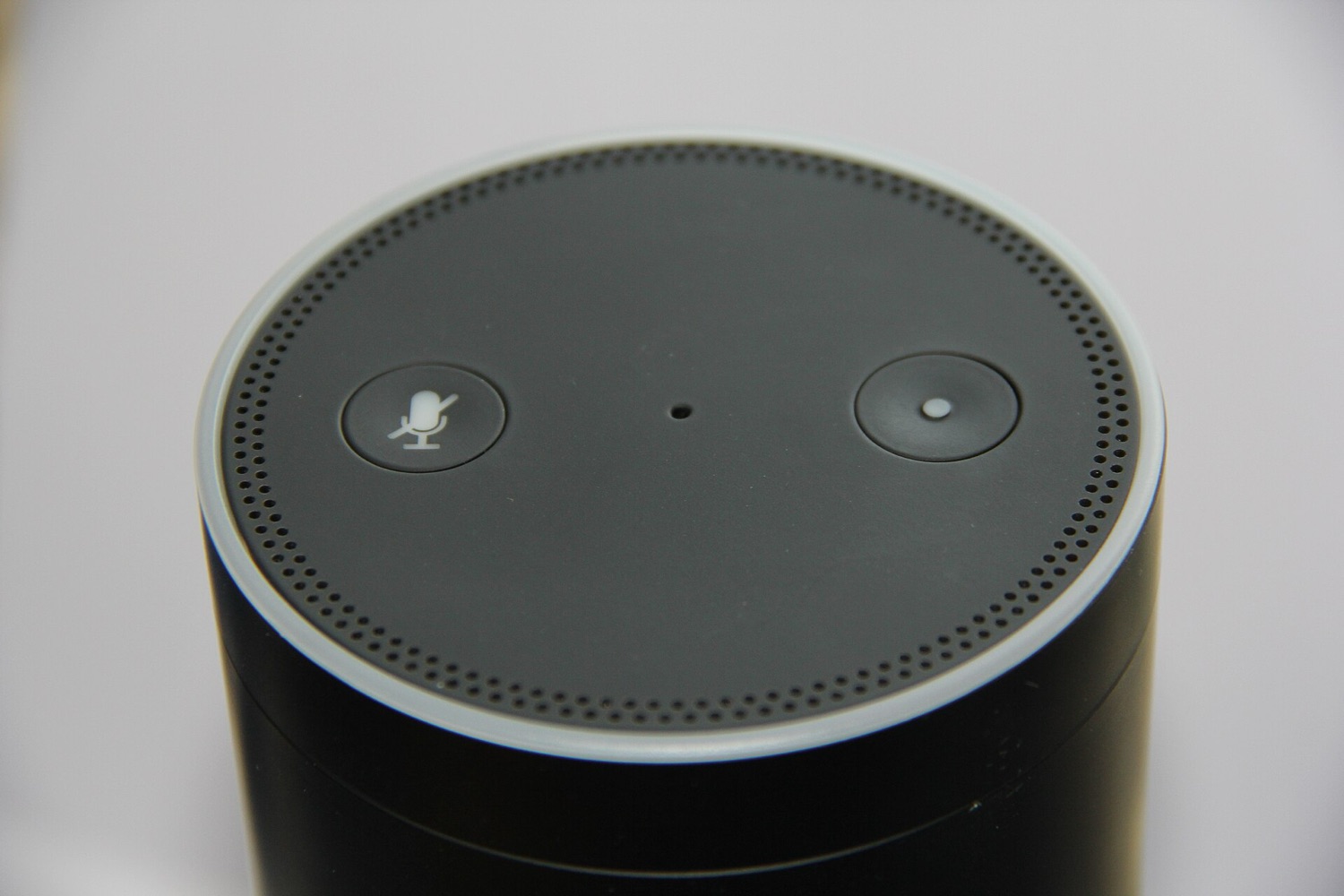
- Mute by default. Keep the microphone off with the physical mute button and switch it on only when needed, the same way you would put away tablets after use.
- Or use push-to-talk on a tablet app or remote so the device only listens when a button is pressed.
- No names, no personal details. Teach students never to say their full names, addresses or other private information to a device.
- Place it near you, not in a corner where it might be triggered unnoticed.
- Review and delete. Check the request history in the app regularly and delete recordings on a schedule, such as weekly or at the end of each term.
Third-party apps
Voice platforms let outside developers publish add-ons, often called skills or actions. Some are designed for children and require parental consent. Before using any of them, read the developer's privacy policy, check what information it requests and look for your district's approval. Avoid any add-on that asks children for names or personal information.
A sample note for parents
“This year our classroom uses a smart speaker as a hands-free timer and music player. It is set up on a school account, kept muted unless I am using it, and students do not share personal information with it. Recordings are deleted regularly. Please contact me with any questions.”
For the classroom side of voice tech, from useful tasks to class rules, see voice assistants in the classroom.